


Audio settings

Music Commander:
Select the target Music Player.
→ [Client] - [Audio]
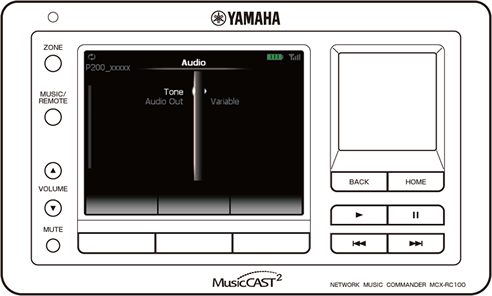
Menu |
Description |
Adjust the tonal quality of the selected Music Player. |
|
Set whether or not to control the volume level of the audio output by operating the Music Commander or selected Music Player. |
Tone
Adjust the tonal quality of the selected Music Player.
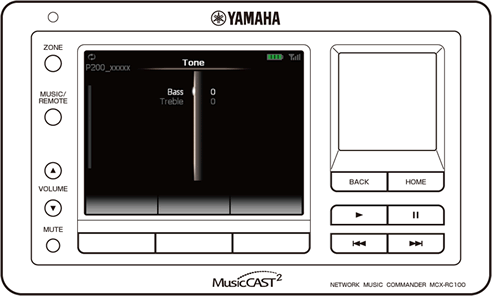
Submenu |
Setting (Red: default) |
Description |
Bass |
-6 to +6 (default: 0) |
Adjust the balance of low-frequency sounds. |
Treble |
-6 to +6 (default: 0) |
Adjust the balance of high-frequency sounds. |
Audio Out
(for MCX-P200)
Set whether or not to control the volume level of the audio output by operating the Music Commander or selected Music Player.
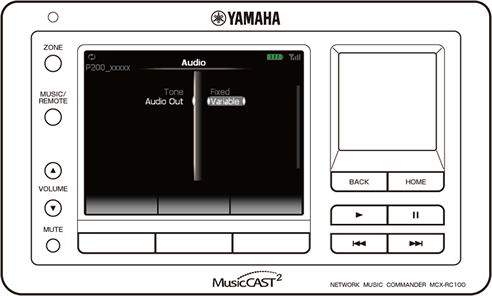
Setting (Red: default) |
Description |
Fixed |
Control the volume level of the audio output by operating the external amplifier connected to the selected Music Player. |
Variable |
Enable to control the volume level of the audio output by operating the Music Commander or selected Music Player. |
If you set “Audio Out” to “Variable”, the volume control settings in “Amp Control” become ineffective.