


Basic operation procedure

Available operations differ depending on your Yamaha network receiver. In the following procedure, we use Yamaha network receiver RX-V3900 (U.S.A. model) for example.
The MusicCAST2 system may not support some functions of the network receiver.
Some messages appear only on the network receiver.
Some Music Commander’s function keys may not work on the network receiver.
Music Commander:
Select a target zone.
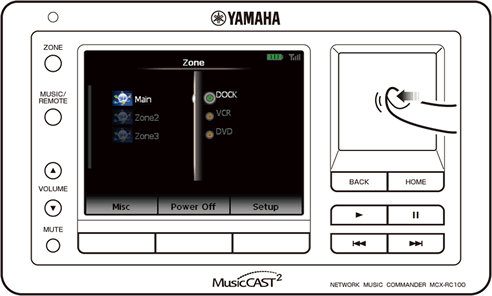
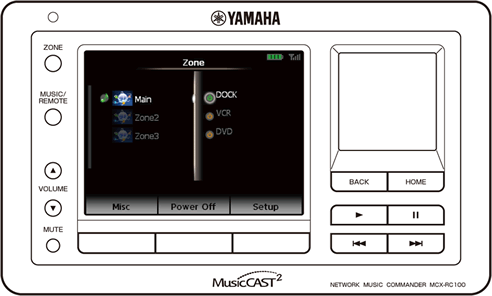
To turn on/off the selected zone or
(to display the list of available input sources)
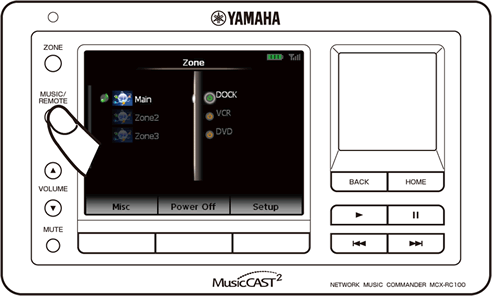
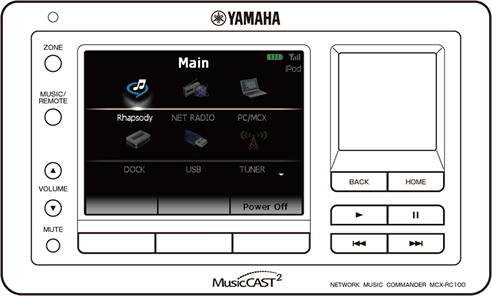
Select the desired input source.
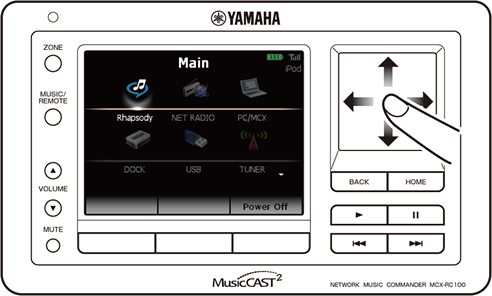
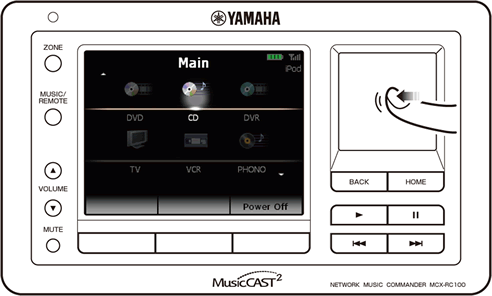
Operate available functions for the selected input source.
Available operations differ depending on the selected input source.
Some operations may work differently depending on the selected input source.
For details on required preparations to use each input source (connection, registrations, etc.), refer to the manual supplied with your network receiver.
(FM/AM radio, SIRIUS Satellite Radio™, XM® Satellite Radio, etc.)
Select a station (channel) to tune into.
→ Select a frequency.→ Select a channel number.
→ Select a preset number.
On the playback screen, use the following keys to operate desired functions.
Adjust the volume levelSelect a music content you want to listen to.
On the playback screen, use the following keys to operate desired functions.
Start playbackPause playback (press and hold to stop playback)
Skip backward/forward
Adjust the volume level
Mute on/off
Repeat single/all/off
Shuffle on/off
Establish a Bluetooth connection
Start playback on your Bluetooth component.
If playback starts, use the following keys to operate desired functions.
Adjust the volume levelMute on/off